

The hostel WiFi is down again. Or it's so slow that your Google Meet freezes mid-lecture. This is not a rare event; it's Tuesday. Finding the best data plan students India hostel setup is not about getting the cheapest recharge. It's about having internet that works when the hostel router decides to quit.
Most hostel WiFi networks are shared across 50-200 residents on a single connection. During evening hours, when everyone is streaming, video calling, or attending online classes, speeds drop to unusable levels. Your own 4G or 5G plan is not a luxury. It's your backup that becomes your primary.
Here's a carrier-by-carrier breakdown for 2026, including the plans that make sense for students and the ones that look good on paper but waste money.
Jio vs Airtel vs Vi vs BSNL, 2026 Student Plan Comparison
| Feature | Jio | Airtel | Vi (Vodafone Idea) | BSNL |
|---|---|---|---|---|
| Best monthly plan | ₹299 (2GB/day) | ₹299 (2GB/day) | ₹299 (2GB/day) | ₹247 (1GB/day) |
| Best 84-day plan | ₹799 (2GB/day) | ₹839 (2GB/day) | ₹719 (1.5GB/day) | ₹599 (2GB/day) |
| 5G availability | Major cities | Major cities | Limited | No |
| 5G speed (avg) | 200-500 Mbps | 150-400 Mbps | Not available | Not available |
| Post-limit speed | 64 Kbps | 64 Kbps | 64 Kbps | 80 Kbps |
| Hotspot included | Yes | Yes | Yes | Yes |
| Student discount | No direct plan | Airtel Thanks | No | No |
| OTT bundled | JioCinema, JioTV | Apollo 247 | No | No |
Prices as of June 2026. Plans change frequently, verify on the carrier app before recharging.
How Much Data Do You Actually Need?
Before picking a plan, figure out your daily consumption. Most students underestimate how quickly data disappears once you're off WiFi. Here's a rough breakdown of common activities and their data consumption per hour.
| Activity | Data per Hour | Typical Daily Use |
|---|---|---|
| Google Meet / Zoom (720p) | 1.0-1.5 GB | 2-3 hours |
| YouTube (480p) | 0.5 GB | 1-2 hours |
| YouTube (1080p) | 1.5 GB | 30-60 min |
| Instagram / X scrolling | 0.3-0.5 GB | 1-2 hours |
| WhatsApp calls (voice) | 0.03 GB | 30-60 min |
| WhatsApp video call | 0.25 GB | 30 min |
| Spotify streaming (normal quality) | 0.04 GB | 2-3 hours |
| General browsing, email | 0.1-0.2 GB | 1 hour |
A typical student who attends 2 hours of online lectures, scrolls social media for an hour, watches 30 minutes of YouTube, and browses for an hour will use roughly 2-2.5 GB per day. That means a 2 GB/day plan works for most students, but only if you're disciplined about video quality settings. Streaming YouTube at 1080p instead of 480p triples your consumption for a marginal visual difference on a phone screen.
If you're a content creator, frequently download large PDFs or course materials, or game online, budget for 3+ GB/day. In that case, an unlimited 5G plan at ₹599/month is the only option that won't throttle you mid-afternoon.
Best Plans for Online Classes and Video Calls
Video calls consume 1-1.5 GB per hour on average. If you attend 2-3 hours of online lectures daily, that's 2-4.5 GB per day just for classes. Add WhatsApp calls, YouTube, and general browsing, and you need a minimum of 2 GB/day.
Top pick for online classes: Jio ₹299/month (2GB/day, 28 days) or Airtel ₹299/month (2GB/day, 28 days). Both deliver consistent speeds in most hostel areas.
For heavy users (streaming + classes): Jio ₹599/month (unlimited 5G where available) or Airtel ₹599/month (unlimited 5G). If your hostel is in a 5G zone in Bangalore or Hyderabad, unlimited 5G changes everything. You can replace hostel WiFi entirely.
Budget pick: BSNL ₹247/month (1GB/day, 30 days). Cheapest option with 30-day validity. Fine if your hostel WiFi handles most of the load and you only need mobile data as a backup. BSNL 4G coverage is improving but still patchy in some areas.
WiFi vs 4G/5G, Monthly Cost Analysis
Many hostels include WiFi in the rent. Others charge ₹300-₹800/month extra. Here's when mobile data makes more sense than paying for hostel WiFi.
| Scenario | Hostel WiFi Cost | Mobile Data Cost | Better Option |
|---|---|---|---|
| WiFi included in rent, stable | ₹0 | ₹299/month | WiFi (use data as backup) |
| WiFi included but unreliable | ₹0 | ₹299/month | Mobile data as primary |
| WiFi charged ₹500/month, stable | ₹500/month | ₹299/month | Mobile data (save ₹200) |
| WiFi charged ₹500/month, slow | ₹500/month | ₹299/month | Cancel WiFi, use mobile data |
| No WiFi at all | ₹0 | ₹599/month (unlimited 5G) | Unlimited 5G plan |
The calculation most students miss: If your hostel charges ₹500/month for WiFi and you still end up using your mobile data because the WiFi is slow, you're paying ₹800/month for internet. Drop the WiFi and get a ₹599 unlimited 5G plan instead. For more tips on managing your monthly expenses, check the hostel budget planning guide.
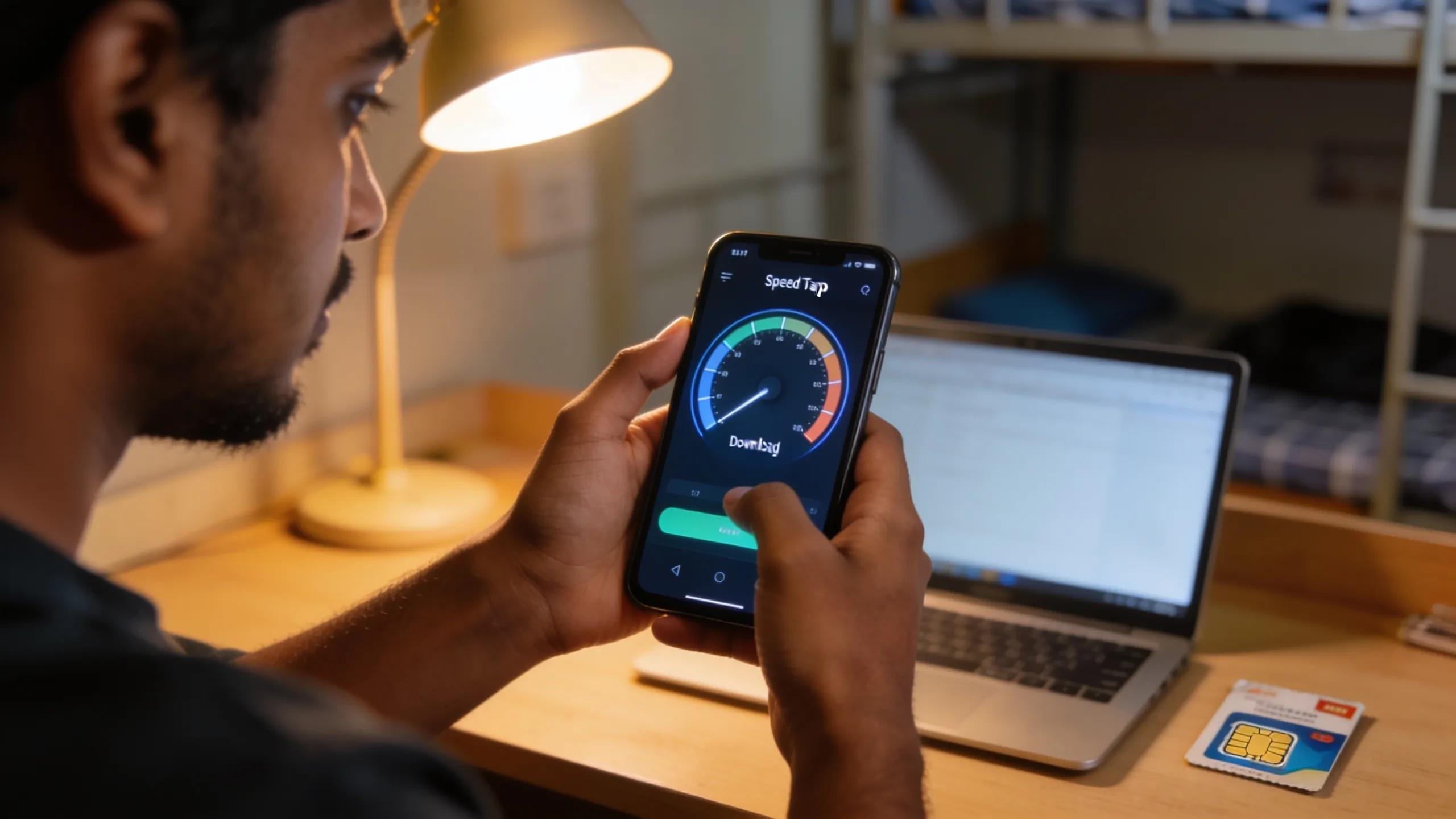 Left: hostel WiFi at 2 Mbps during evening rush. Right: 4G delivering 25 Mbps on the same phone. The numbers speak.
Hotspot Tips for Hostel Students
Using your phone as a WiFi hotspot for your laptop is the most common backup strategy. Here's how to do it without draining your battery or burning through data.
- Set a data warning. Android: Settings > Network > Data Usage > Set Warning. Set it at 1.5 GB if your daily limit is 2 GB. You get a notification before throttling hits.
- Use USB tethering, not WiFi hotspot. WiFi hotspot drains your phone battery 3x faster. USB tethering charges your phone while sharing data. Plug the USB cable into your laptop, it shares internet and charges simultaneously.
- Disable auto-updates on laptop. Windows and macOS download updates in the background. A single Windows update can be 2-5 GB. Go to Settings > Windows Update > Pause for 7 days whenever you're on mobile data.
- Set the connection as metered. On Windows: Settings > Network > WiFi/Ethernet > Properties > Set as metered connection. This tells apps to minimize background data usage.
- Compress your video calls. Google Meet: lower to 360p in settings. Zoom: disable HD video. This cuts data usage from 1.5 GB/hour to 0.5 GB/hour with minimal quality loss for lectures.
- Turn off cloud sync on hotspot. Google Drive, OneDrive, and iCloud all sync files in the background. Pause these services when you're on mobile data. On Google Drive, go to Settings > Back up & sync > toggle off on mobile data.
- Use a hotspot password. An open hotspot means your roommates will connect without asking. Set a WPA2 password. Every extra device on your hotspot shares your daily data limit and slows down your own connection.
The Dual-SIM Strategy
Most phones sold in India support two SIM cards. Students in cities with uneven network coverage benefit from running two different carriers. The logic is straightforward: one SIM for the carrier with the best data speeds at your hostel, and one for the carrier with the best voice call reliability.
A common setup is Jio for 5G data (wider coverage, cheaper plans) and Airtel for voice calls (better call quality in many urban areas). On Android, you can set the default SIM for data and a different default for calls. On iPhones with eSIM support, you can run Jio physical SIM + Airtel eSIM without swapping cards.
The cost of two ₹299 plans is ₹598/month. That's ₹1 less than a single unlimited 5G plan, and you get the redundancy of two networks. If Jio's tower goes down (it happens during storms or maintenance), your Airtel SIM picks up the slack. This setup is especially useful in cities like Pune and Delhi where coverage can vary block by block.
Which Carrier Has the Best Coverage at Your Hostel?
Coverage varies street by street. The carrier that works in your friend's hostel in Koramangala might drop to 2 bars in your hostel in BTM Layout. Before committing to an 84-day recharge:
- Ask your roommates. They've been there longer. They know which carrier works inside the building. Students at a PG in Koramangala will have different results from those in a hostel near Powai.
- Test with a short recharge first. Get a ₹149 weekly plan and test speeds at different times, morning, afternoon, evening, midnight. Evening speeds matter most.
- Check 5G maps. Jio: jio.com/5g. Airtel: airtel.in/5g. Zoom into your hostel's exact location.
- Try a SIM near the window. Some hostel buildings have thick walls that block signal. A phone near the window gets 2-3 extra bars compared to inside the room.
For tips on dealing with slow hostel WiFi specifically, read the WiFi troubleshooting guide.
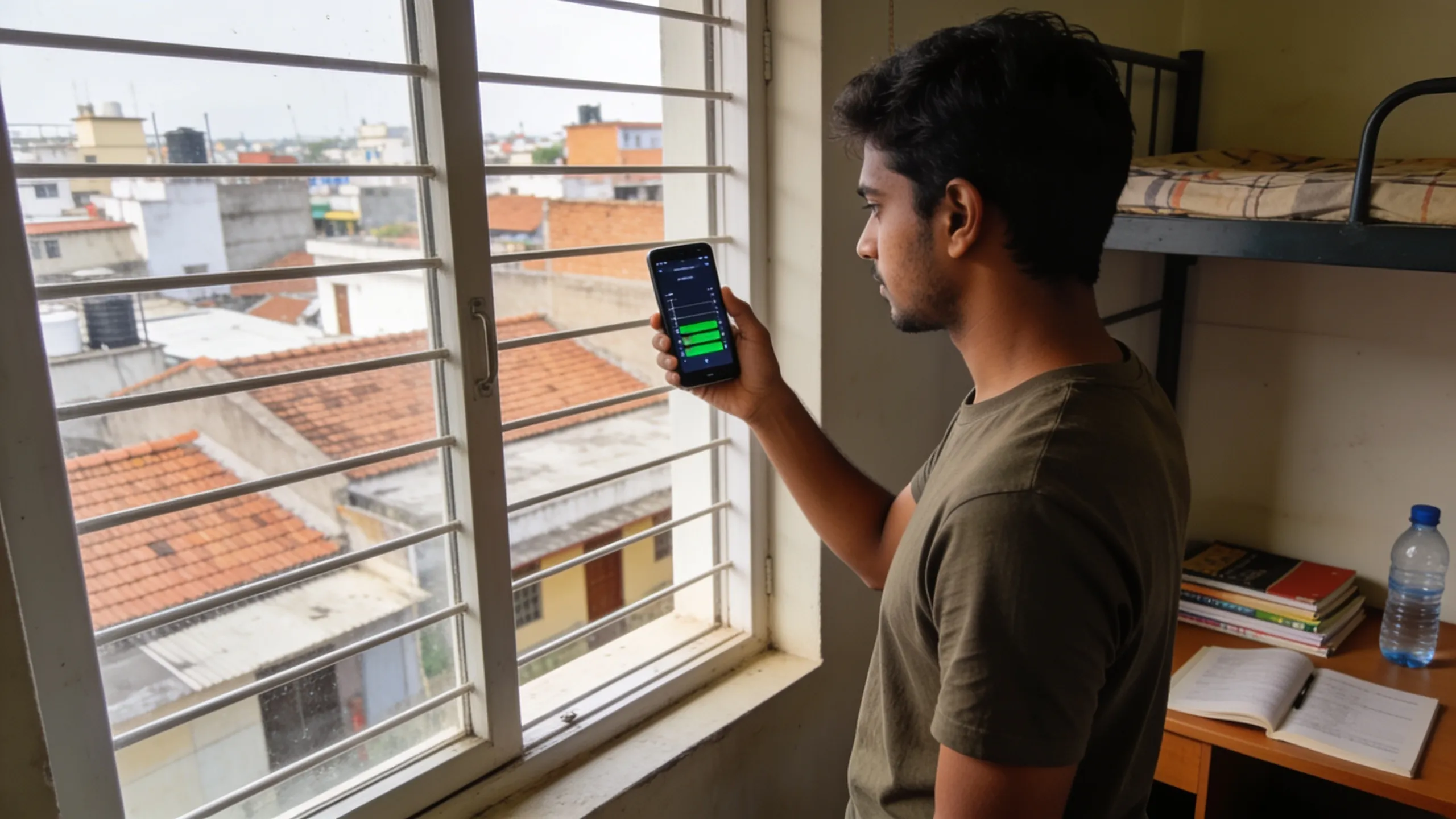 Check the 5G coverage map for your exact hostel location before committing to a long recharge.
What Happens When Your Daily Limit Runs Out
Once you cross your daily data cap (2 GB on most plans), speeds drop to 64 Kbps. At that speed, a Google search takes 10-15 seconds. YouTube won't load at all. WhatsApp text messages still work, but sending or receiving images is painfully slow.
Your options when this happens:
- Buy a data add-on. Jio offers 1 GB top-ups for ₹15-19. Airtel charges ₹19 for 1 GB. These activate instantly through the carrier app. Keep ₹50 balance for emergencies.
- Wait for the midnight reset. Daily limits reset at 12:00 AM. If it's 10 PM and you've hit the cap, you only need to survive two hours. Switch to text-only browsing or download what you need over WiFi.
- Switch to your second SIM. If you're running a dual-SIM setup, switch data to the other carrier. Even if that SIM has a smaller plan, unused data from earlier in the day carries you through.
- Use hostel WiFi for heavy tasks. Even slow hostel WiFi (2-5 Mbps) is faster than 64 Kbps throttled data. Save large downloads for the WiFi connection, however unreliable it is.
Data-Saving Settings Every Student Should Enable
These settings reduce background data consumption by 20-40% without affecting your experience.
- Chrome Data Saver: Open Chrome > Settings > Lite Mode (or Bandwidth Management on newer versions). This compresses web pages through Google's servers before loading them on your phone.
- YouTube quality default: YouTube > Settings > Video Quality Preferences > Data Saver. This caps all videos at 480p on mobile data. You won't notice the difference on a 6-inch screen.
- Instagram data saver: Settings > Account > Cellular Data Use > toggle on Data Saver. This stops videos from preloading in your feed.
- WhatsApp media auto-download: Settings > Storage and Data > set all media downloads to "WiFi only." This prevents WhatsApp groups from silently eating 500 MB/day in photos and videos.
- Disable app auto-updates: Google Play Store > Settings > Network Preferences > Auto-update apps > Over WiFi only. App updates can consume 100-500 MB without warning.
Combined, these settings can save you 500 MB-1 GB per day, which is the difference between running out by 4 PM and having data left at midnight.
Best Plan by Use Case
| Your primary use | Recommended plan | Monthly cost |
|---|---|---|
| Online classes only | Jio/Airtel 2GB/day (28 days) | ₹299 |
| Classes + social media + YouTube | Jio/Airtel 2GB/day (84 days) | ₹266-₹280/month |
| Replace hostel WiFi entirely | Jio/Airtel unlimited 5G | ₹599 |
| Backup data only | BSNL 1GB/day (30 days) | ₹247 |
| Heavy streaming (Netflix, gaming) | Jio unlimited 5G + JioCinema | ₹599 |
| Dual-SIM (data + voice split) | Jio ₹299 + Airtel ₹299 | ₹598 |
The 84-day plans deserve a closer look if you're sure about your carrier choice. Jio's ₹799 for 84 days works out to ₹266/month, saving ₹33/month compared to the 28-day plan. Over a 10-month academic year, that's ₹330 saved. Not a huge amount, but it also means fewer recharge reminders and no risk of forgetting to recharge before an exam day.
Pick the carrier with the best signal at your specific hostel, not the one with the flashiest ad campaign. Test before you commit. And if your hostel WiFi works fine most of the time, a ₹247 BSNL backup plan is all you need.